How to Reserve Event and Stadium Parking in Advance with ParkMobile
Reserving event and stadium parking in advance means locking in a specific parking space, lot, or garage before you leave home, so that your spot is guaranteed and paid for by the time you reach the venue. With ParkMobile, this is done through the same app many drivers already use for everyday metered parking, except that reservations in ParkMobile work on a fixed-price, book-ahead model rather than pay-as-you-go. This page explains exactly how reservations work for games, concerts, festivals, and other large gatherings, and how to make the most of ParkMobile when demand for parking is at its highest.
The core idea is simple. For a scheduled event, participating venues and operators list their lots and garages inside ParkMobile with a flat rate for that date. You pick the lot, confirm the date and time window, pay, and ParkMobile issues a mobile pass. When you arrive, you either scan a code, show the pass, or have your license plate read, depending on how that location is set up. No circling the neighborhood, no fumbling for cash at a booth, and no risk of a lot selling out while you sit in traffic.
Reserved event parking is a distinct product from the on-demand metered parking ParkMobile is best known for. The remainder of this page stays focused on the reservation side: finding event parking, booking it in ParkMobile, understanding the pass, arriving smoothly, and handling changes or problems. If you have never used ParkMobile for a reservation before, read the walkthrough first, then use the quick-start steps near the bottom.
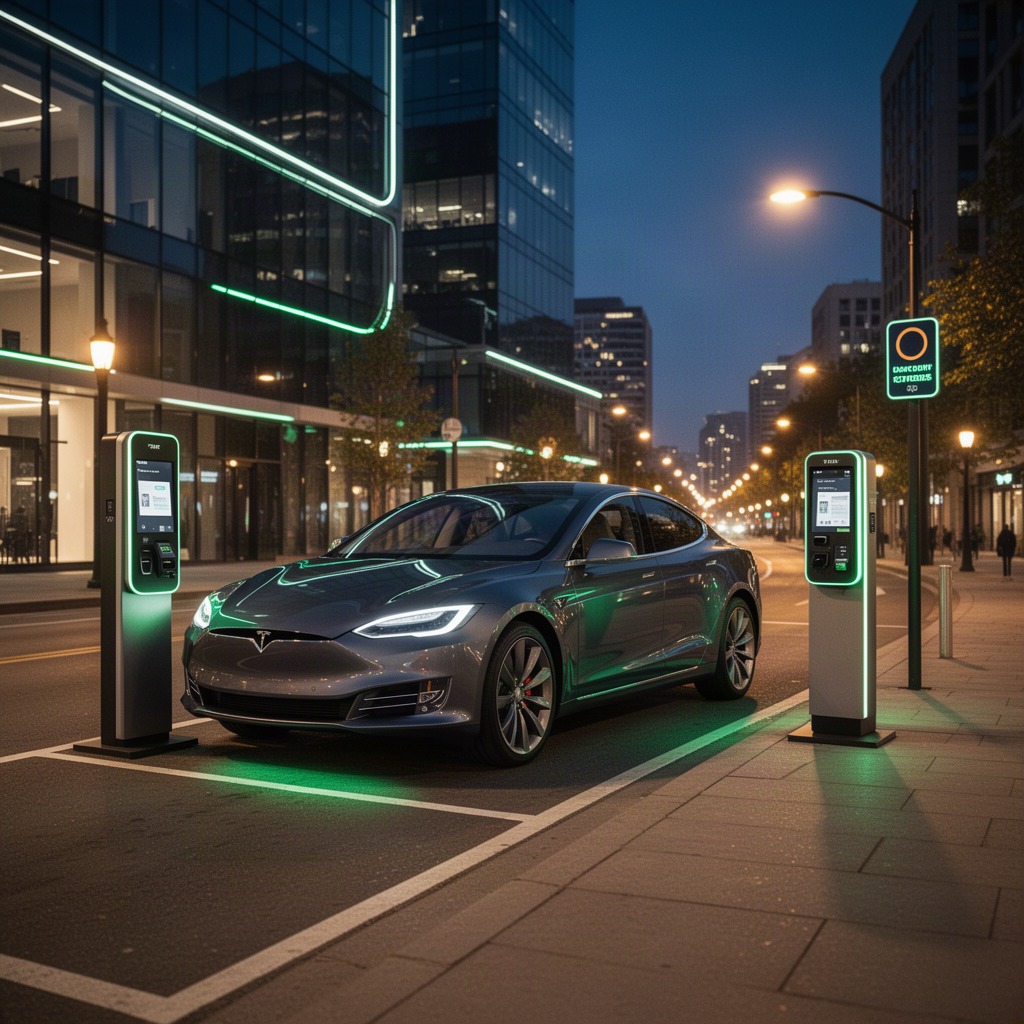
Key takeaway: A ParkMobile event reservation is a prepaid, guaranteed spot for a specific date. It is bought ahead of time at a flat price, not metered by the minute, and it protects you from sold-out lots and surge pricing on game day.
What an advance parking reservation actually is
When you reserve parking in advance through ParkMobile, you are buying the right to park in a named lot or garage for a defined window tied to an event. Unlike a meter session that you start and stop in ParkMobile, a reservation has a set entry window and a set exit window published by the lot operator. You are not charged per minute, and you are not competing for space at the gate, because the inventory has been set aside for people who booked ahead.
This matters most around venues where parking is scarce and prices spike on demand. On a normal weekday, a downtown garage might charge a modest hourly rate. On a sellout concert night, that same garage could cost several times more or fill completely before doors open. By reserving through ParkMobile days or weeks ahead, you fix the price and remove the uncertainty. Many drivers treat a ParkMobile reservation the way they treat a game ticket: something you secure early rather than gamble on at the door.
Availability in ParkMobile is tied directly to the event. A lot that appears for a Saturday football game may not be listed at all for a Tuesday with nothing scheduled. When you search for parking in ParkMobile, you are searching against the dates and times that operators have opened for reservations. That is why an event reservation in ParkMobile always starts with a date, not just a destination.
One more distinction worth keeping clear. A reservation guarantees a space in the lot you booked, but in most lots it does not guarantee a specific numbered stall. You reserve entry to the facility, then park in any available space inside it. Some premium garages do offer assigned spots, and ParkMobile will say so in the listing when that is the case.
How reserving event parking works, step by step
The reservation flow in ParkMobile follows the same logic whether you are heading to a baseball game, a stadium concert, or a street festival. Here is what each stage looks like in ParkMobile and what to watch for.
1. Search by venue, address, or event date
Open ParkMobile and switch from the everyday meter view to reservations, then enter the venue name or address and the date you plan to attend. ParkMobile returns the lots and garages that have opened inventory for that date, each with its distance from the venue and its flat price. Searching by the event date rather than the current day is the single most important habit in ParkMobile, because reservation pricing and availability change from one event to the next.
2. Compare lots on price, walk time, and entry rules
Each listing in ParkMobile shows the price, the walking distance, and the entry and exit windows. Tap a lot in ParkMobile to read its details before you commit. Some lots allow in-and-out privileges, some do not. Some open two hours before an event and close shortly after; others are more generous. A spot that costs a little more but sits closer to the gate may save you a long walk in bad weather, so compare on the whole experience, not price alone.
3. Enter your vehicle and confirm the window
Select the lot and confirm the event date and the arrival window. ParkMobile may ask for your license plate, since many event lots verify entry by plate. Double-check the plate and the vehicle profile you choose in ParkMobile, because an incorrect plate is the most common reason a reserved pass fails to validate at the gate. If you are driving a rental or a different car than usual, update the plate before you pay.
4. Pay the flat rate and receive your pass
Pay with a saved card or a linked wallet, and ParkMobile issues a mobile parking pass tied to that event and lot. The price you see is the price you pay for the whole event window; there is no per-minute meter running. Save the confirmation. ParkMobile stores the pass in your account, and it is wise to keep the confirmation email as a backup in case you lose signal at the venue.
5. Arrive, validate, and park
On event day, follow the signed route to your reserved lot and present your ParkMobile pass the way the listing describes. Depending on the facility, that means scanning a QR code at a gate, showing the pass to an attendant, or simply driving in while a camera reads your plate. Arrive within your entry window and leave yourself time for the queues that build near big venues.
Lot
N4Entry window
Opens 2 hrs pre-event
Price
Flat rate, prepaid
A typical ParkMobile event pass shows the lot identifier, the entry window, and the flat price. Treat the lot code as your compass once you reach the venue, since many stadium districts are laid out as lettered or numbered zones.
Reserved event parking versus on-demand parking
Both options live inside ParkMobile, but they solve different problems. Use this table to decide which part of ParkMobile fits a given trip.
| Factor | Reserved event parking | On-demand parking |
|---|---|---|
| When you pay | In advance, before you leave | At the moment you park |
| Pricing | Flat event rate, fixed when booked | Per-minute or hourly, can surge |
| Availability | Guaranteed space in the booked lot | First come, first served |
| Best for | Games, concerts, festivals, sellouts | Errands, meters, uncertain plans |
| Flexibility to extend | Fixed window set by the operator | Often extendable from the app |
For a predictable, high-demand event, reserving ahead in ParkMobile almost always wins on peace of mind. For a last-minute decision or an open-ended stay, the on-demand side of ParkMobile is the better tool. Many drivers use both sides of ParkMobile, depending on the night.
Understanding event rates, fees, and the mobile pass
Event reservation pricing is set by each lot or garage operator, not fixed nationally, so two lots the same distance from a stadium can carry very different prices. ParkMobile shows the full reservation price, which usually includes the parking charge plus a transaction or convenience fee. Read the breakdown on the ParkMobile confirmation screen so there are no surprises. The figure you agree to is the figure you pay; there is no additional charge collected at the gate for a properly booked ParkMobile reservation.
Prices tend to move with demand for the event itself. A midweek game may post lower reservation rates than a weekend headliner, and the closest lots sell out first and often cost the most. Booking early in ParkMobile generally gets you both a better price and a shorter walk, because the cheap, close inventory goes before the expensive, distant inventory. That is the practical payoff of opening ParkMobile the moment you have tickets.
The pass itself is the proof of your reservation. ParkMobile keeps it in your account under your active or upcoming reservations, and it typically carries the event, the date, the lot, your license plate, and a code or barcode where the facility uses one. Because the pass is digital, make sure your phone is charged and that you can open ParkMobile before you reach the gate. Keeping the confirmation email handy is a sensible backup if the venue area has weak reception.
| Zone | Typical walk | Relative price | Sells out |
|---|---|---|---|
| A1 | Adjacent to gate | Highest | First |
| B2 | Short, 5 to 10 min | Mid | Quickly |
| C3 | Longer, 12 to 20 min | Lower | Last |
Illustrative zoning only. Actual lot codes, distances, and prices appear in ParkMobile for each specific event.
Arriving smoothly with a reserved pass
A reservation in ParkMobile removes the question of whether you will find parking, but game-day traffic is still real. Plan to arrive within your entry window and ideally toward the start of it. If a lot opens two hours before kickoff, the first forty-five minutes are usually the calmest. Your ParkMobile pass does not expire because you are early inside the window, so there is little downside to beating the rush.
Know your lot code before you are in the stream of cars. The oversized zone identifier on your ParkMobile pass matches the signage near the venue, and following it is far easier than typing an address into a map while traffic officers wave you through. Have ParkMobile open and the pass on screen as you approach the gate so you are not searching for it under pressure.
The quiet value of a ParkMobile reservation is not just the saved money. It is pulling up to a known lot, showing one screen, and being parked while other drivers are still circling the block.
Confirm whether your lot allows in-and-out access. If it does not, bring anything you might need from the car before you walk to the venue, because re-entry will not be honored. If your plans run long and the lot has a posted exit window, note it. Event lots are often cleared for the next user, and overstaying can lead to a ticket or tow regardless of your ParkMobile reservation, since the reservation covers the published window, not open-ended parking.
Finally, charge your phone. The entire reservation lives in ParkMobile, and a dead battery at the gate turns a smooth arrival into a scramble. A portable charger in the glovebox is cheap insurance for the event nights when ParkMobile is your only ticket into the lot.
Changing, canceling, or rescheduling a reservation
Plans change, and event parking reservations have their own rules for that. Cancellation and refund terms are set by the lot operator and shown on the ParkMobile listing before you book, so read them at the time of purchase rather than hoping for flexibility later. Some reservations in ParkMobile are fully refundable up to a cutoff before the event, while others are final sale the moment you pay. The difference is listed up front in ParkMobile.
If you need to update your license plate because you are driving a different vehicle, do it in ParkMobile before you arrive. A correct plate is what many gates read to admit you, so an outdated plate is a common and avoidable snag. The reservation stays valid; you are only correcting the vehicle attached to it in ParkMobile.
When an event itself is postponed or canceled by the organizer, parking handling varies by operator, and the right move is to check your reservation in ParkMobile and the operator terms for that lot. Keep your confirmation until the event is over and you have left the lot, since it is your record if any question arises. If something does go wrong at the gate despite a valid reservation, contact ParkMobile support with your confirmation on hand so the issue can be sorted quickly.
How to get started in five steps
If you have the ParkMobile app and an event coming up, you can reserve in a few minutes. Follow this sequence.
-
1
Set up your account and payment
Create or sign in to your ParkMobile account and add a saved payment method so checkout is instant when the lot you want has limited spots.
-
2
Search the venue and event date
In ParkMobile, open reservations, enter the venue or address, and set the exact event date so you see the lots opened for that day.
-
3
Choose a lot and check the rules
Compare price, walk time, entry window, and in-and-out access, then pick the lot that fits your evening. ParkMobile shows each lot code clearly.
-
4
Enter your plate and pay
Confirm your license plate, pay the flat rate, and let ParkMobile issue your pass. Save the ParkMobile confirmation email as a backup.
-
5
Arrive and show the pass
Within your entry window, drive to the lot code on your pass, open ParkMobile, and validate however that facility requires.
Have an event on the calendar?
Open ParkMobile, search the venue for your date, and lock in a lot before the close-in spots are gone.
Frequently asked questions
How far in advance can I reserve event parking?
It depends on the operator and the event. Many lots open reservations in ParkMobile weeks before a game or concert, and some open closer in. Because the best and closest spaces go first, checking ParkMobile as soon as you have your tickets is the safest approach.
Is a reserved spot guaranteed even if I arrive late?
Your space in the booked lot is held for your reservation, but you still need to arrive within the entry window the lot sets. As long as you enter during that window, ParkMobile keeps your spot guaranteed. Arriving after the window closes can create problems, so aim to be early.
Do I need to print anything?
Usually not. The pass is digital and lives in ParkMobile. You present it from your phone at the gate. Keeping the confirmation email as a backup is wise in case of weak signal, but printing is rarely required when you reserve through ParkMobile.
What if I enter the wrong license plate?
Update it in ParkMobile before you arrive, since many gates admit you by reading the plate. An incorrect plate is the most common reason a valid reservation fails at entry, and it is quick to fix in ParkMobile.
Can I cancel or get a refund?
Cancellation terms are set by each lot and shown on the listing before you book. Some reservations in ParkMobile are refundable up to a cutoff, while others are final sale. Always read the terms at checkout in ParkMobile so you know where you stand.
Can I leave and come back during the event?
Only if the lot allows in-and-out access, which ParkMobile notes in the listing. If re-entry is not permitted, grab everything you need from your car before heading in, because the gate will not readmit you on the same ParkMobile reservation.
Is event parking the same as meter parking in the app?
No. Event reservations are prepaid and tied to a date and flat price, while meter parking in ParkMobile is on-demand and metered by time. They are separate products inside the same ParkMobile app, and you choose the one that fits the trip.